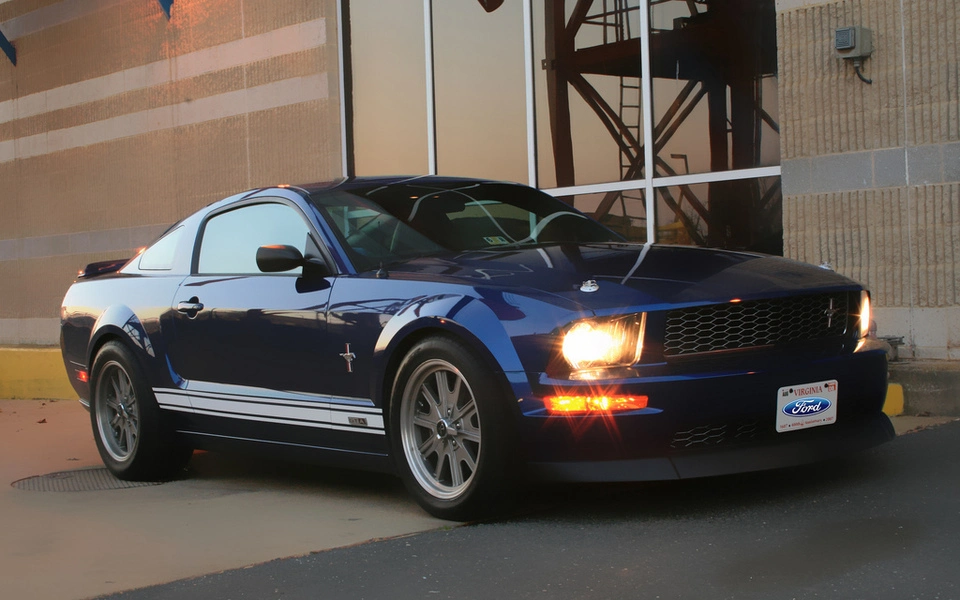
A few pictures while at work Part 2!

kooldawg6

mine works really well and can take a fair amount
Aug 31, 2006
1,679
2
38
Central VA
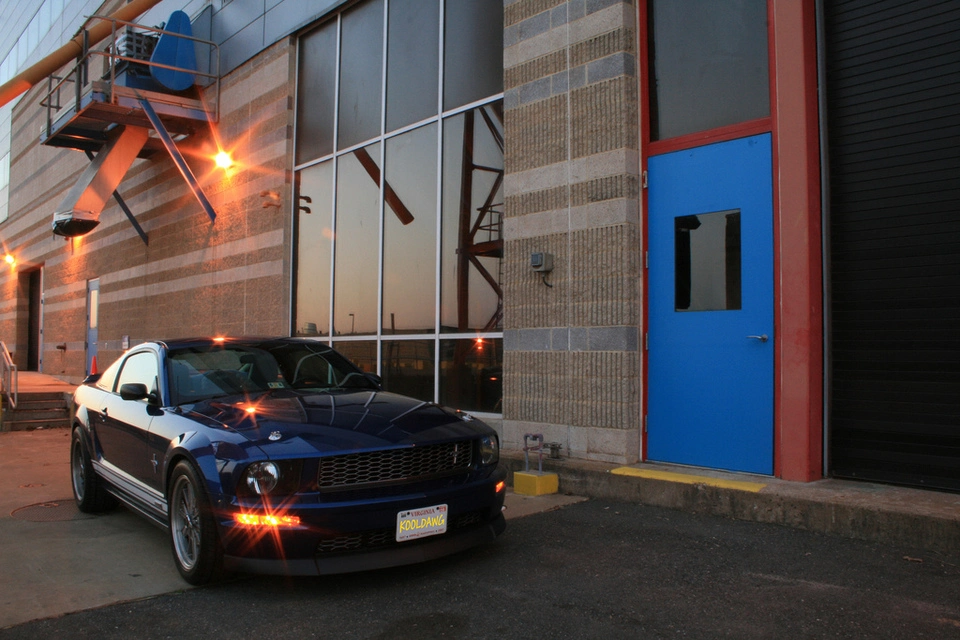
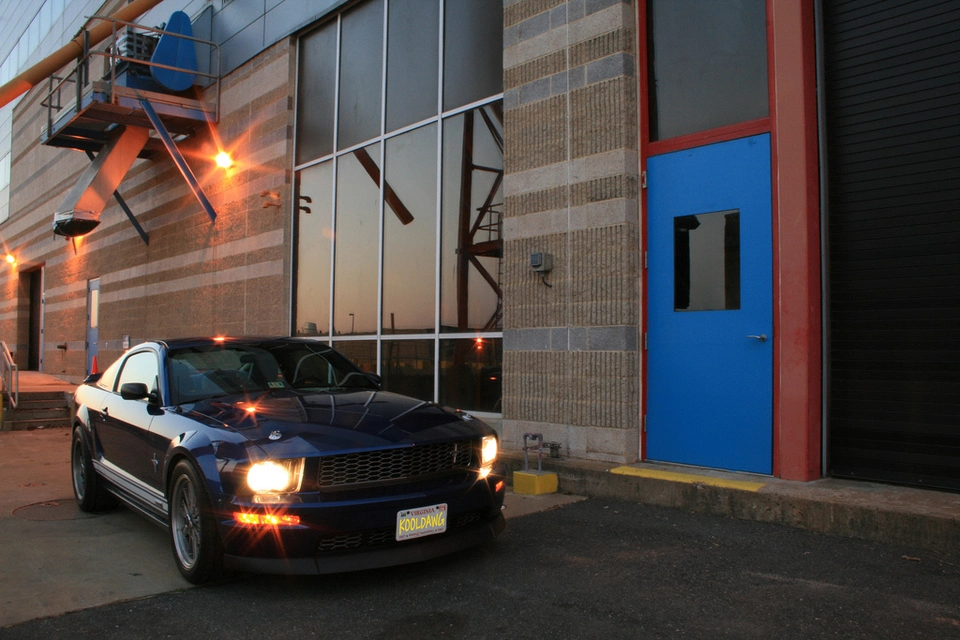
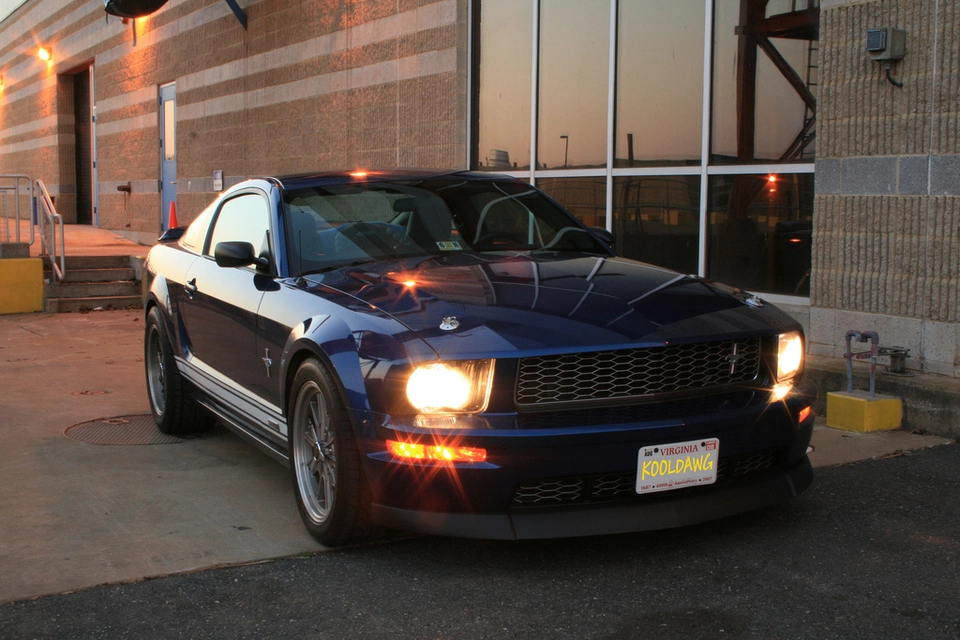
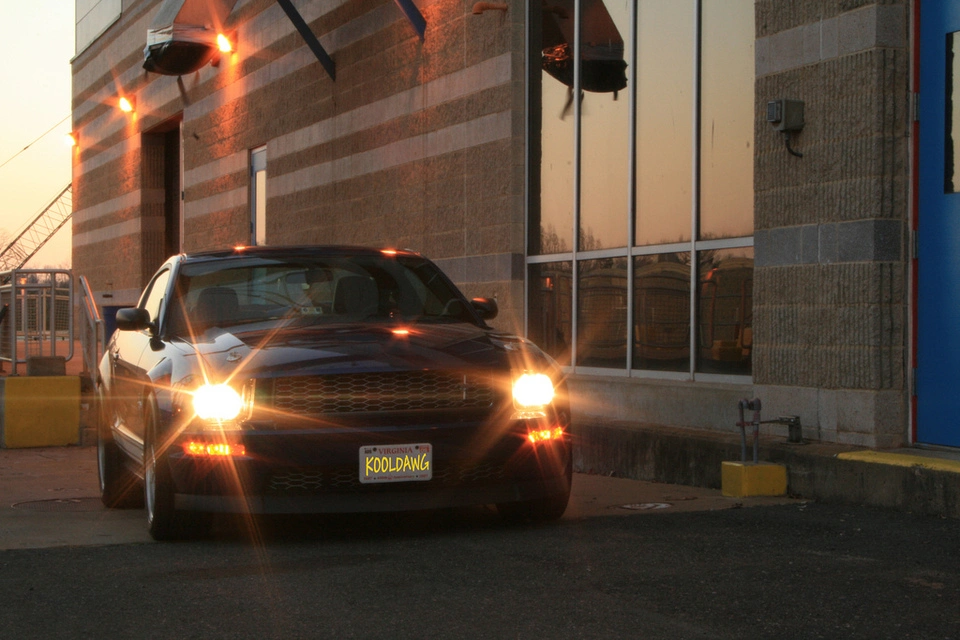
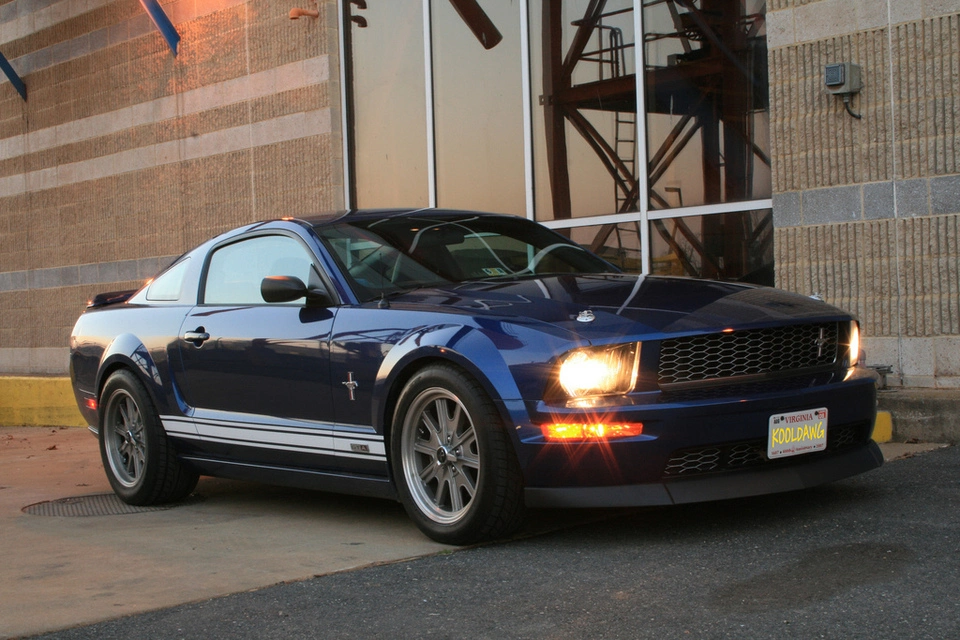
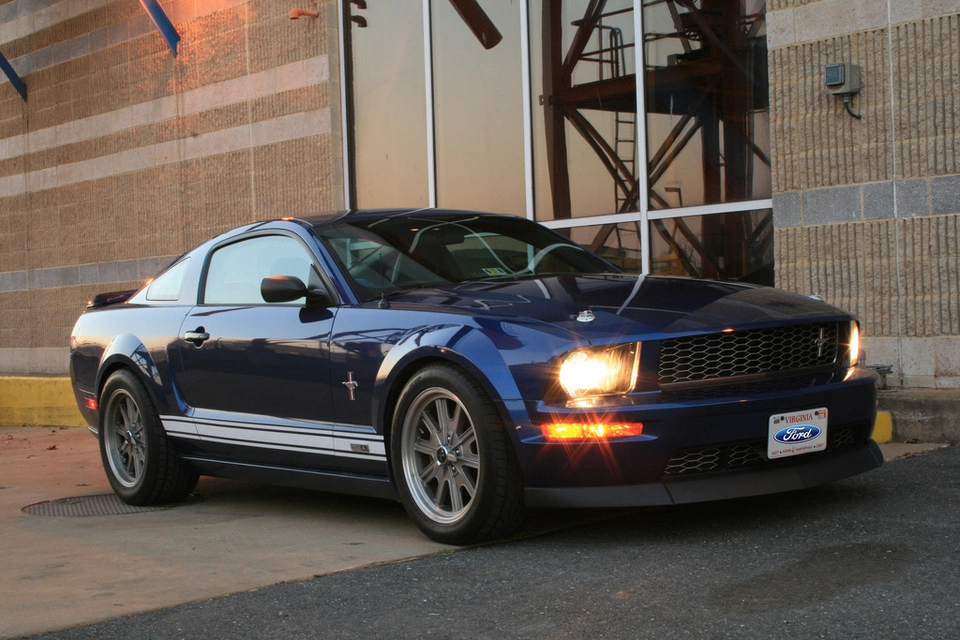
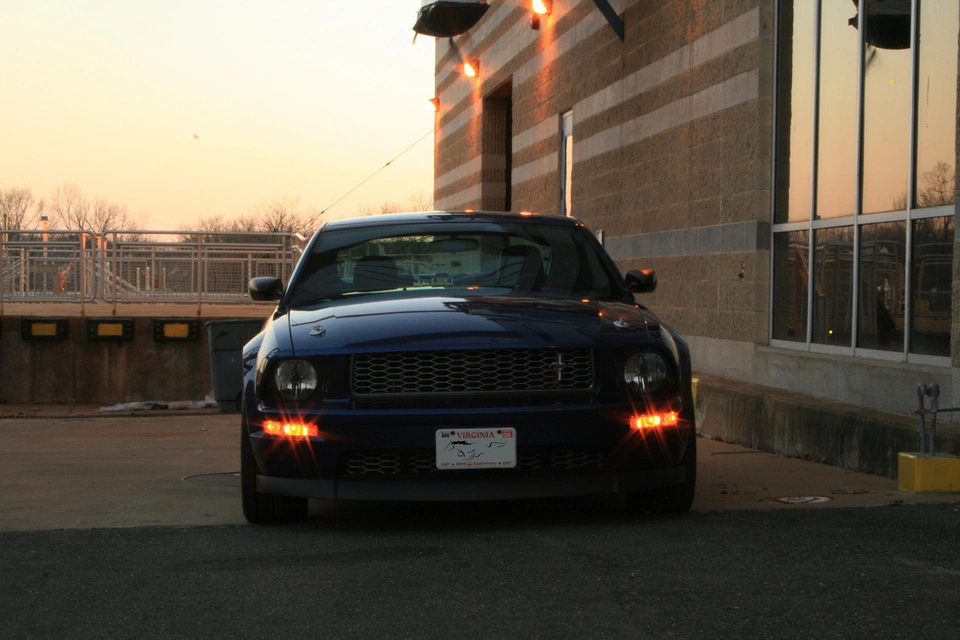
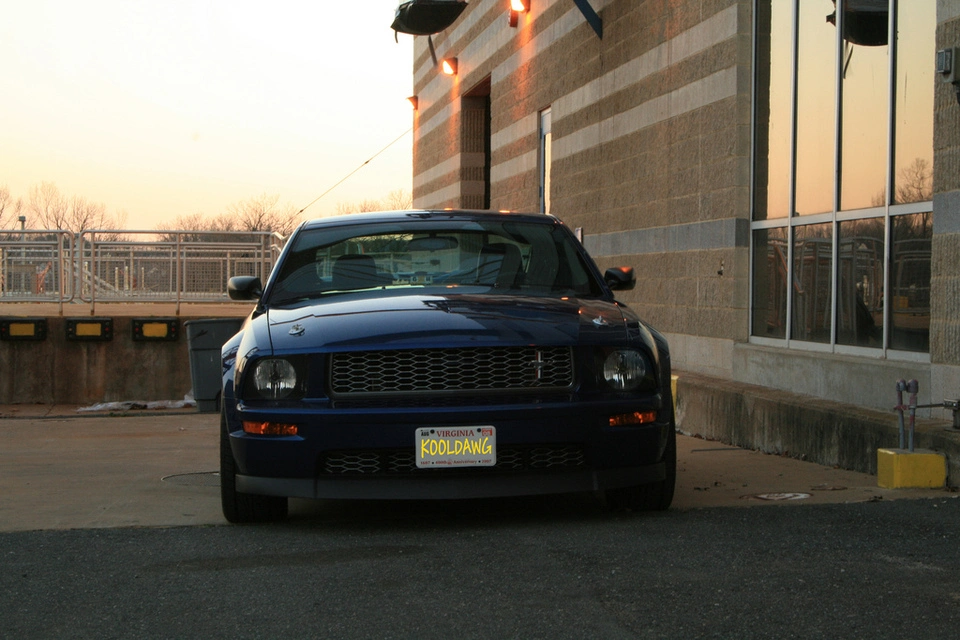
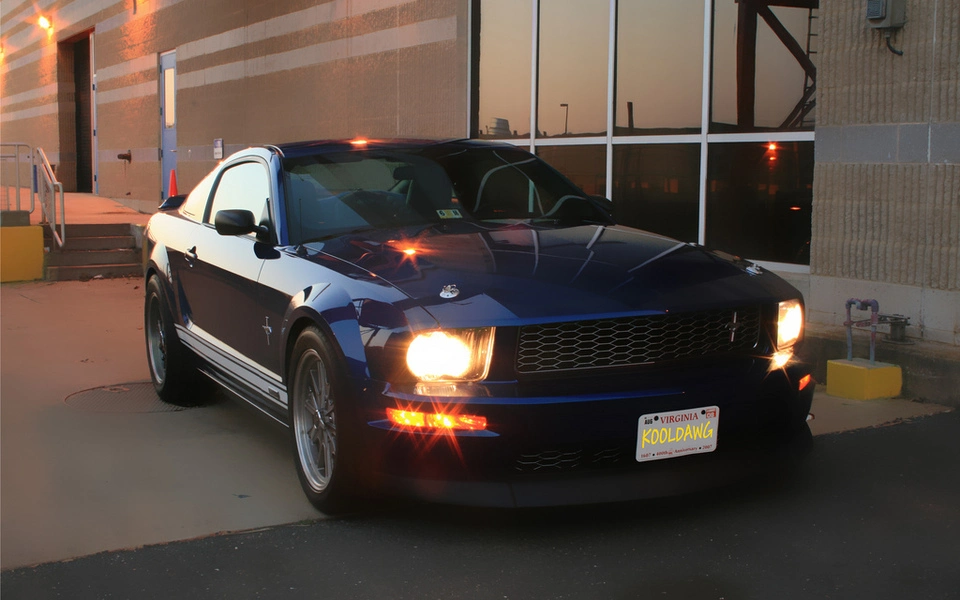
Well I took advanteage of the clock change and took some pics of my car outside one of our buildings just before sunset. I used somewhat long shutter speeds of around 2.5-3.5 seconds to capture the starlight effects. Once again, none of these pics are edited except for the front plate:nice: I did stick a few edited ones at the bottom, but they will be labeled and seperated:D

2326772202_e1c35a1f22_b.webp

2325950429_644d184902_b.webp

2325946179_de1bcecd22_b.webp

2325943393_8fda81831b_b.webp

2325941257_ccc7913263_b.webp

2326755732_a7383c0bca_b.webp

2325934355_cf635a795a_b.webp

2326750970_d1edd01729_b.webp


Now for some edited pics:D (Sorry Dark, no HDR...yet...)
Slight blur applied to entire image
First one is my current wallpaper
2325947691_730ccdc185_b.webp

2325946885_5747a876f1_b.webp
 
Kool, you are using a star filter right? Do you soften the "star" affect at all in editing?

I have a clear UV filter on the lens and I had the camera set on shutter priority mode set between 2.5-3.2 second shutter speed. The picture is 100% done with camera settings. Absolutely no editting except for the license plate:D
 
You do some great work with the camera! I can't wait to see what you produce once the weather gets nice for our NVMC meetings!

Thanks:nice:
I was quite upset with the pic turnout from Saturday:( I blame most of it on unsteady hands. I will have to start taking 3 exposure shots and working with HDR and have awesome looking pic as DarkFire does:drool: After all, he is my better half:lol: :nice:
 
I have a clear UV filter on the lens and I had the camera set on shutter priority mode set between 2.5-3.2 second shutter speed. The picture is 100% done with camera settings. Absolutely no editting except for the license plate:D

Alrighty. How did you manage to get the "star" effect without a UV "Star" Filter? I've been able to do it with my filter but not with the stock camera, but the "stars" are way more intense. I was just curious if you were using the same.

This is what I mean when I say Star Filter.

cross.webp


Keep up he good work anyhow! :nice:
 
It is just a plain jane "clear" UV filter. Try setting your camera to shutter priority(tv)or a manual mode where you can change your shutter speed. The two shutter speeds I used 2.5 and 3.2 seconds. A tripod is a must!
 
Alrighty. How did you manage to get the "star" effect without a UV "Star" Filter? I've been able to do it with my filter but not with the stock camera, but the "stars" are way more intense. I was just curious if you were using the same.

This is what I mean when I say Star Filter.


Keep up he good work anyhow! :nice:

Star effects are common without filters. Changing the angle with which your taking the shot can and will lengthen or shorten those effects. Remember it is not only a side to side angle adjustment either, being higher or lower also makes specific changes.

Here's a shot of mine with no filters, raw lens with no enhancements or photoshopping.

img7586lp0.webp


This is with my fisheye last year, which can't have any filters due to it's 180 degree shape:

img8676mp1.webp
 
Thanks:nice:
I was quite upset with the pic turnout from Saturday:( I blame most of it on unsteady hands. I will have to start taking 3 exposure shots and working with HDR and have awesome looking pic as DarkFire does:drool: After all, he is my better half:lol: :nice:

You'll want to get a remote for the camera. I picked up a wired remote cheaply on eBay. Any slight movement and it can be a real pain to get the 3 exposures lined up.
 
I will definitely look into a remote trigger, but so much to save up for right now, it makes my head spin!!!!! IRS(the tax people NOT suspension!), lens, remote, trip out west in Sept...
 
I hear ya on that possible awesome pic with changed background! I was just working with what was there at the time for practice for when I pass someplace that has a great backdrop!