

You are using an out of date browser. It may not display this or other websites correctly.
You should upgrade or use an alternative browser.
You should upgrade or use an alternative browser.
Different New PICS!
- Thread starter mob
- Start date

When you do HDR pics with cars in them, cut the car out of the best looking original pic and paste it over in the HDR pic. Really helps the overall look and people dont ask why the car looks weird,hehe. Looking good, keep up the good work.

90
Active Member
iwashmycar
20+ Year Stangneter 


bynummustang
Seen my other Jackstand?
Hey MOBster, if I send you some pictures, can you do that with my car? I don't have the knowledge to take great pics with my camera though.
do what the hdr or the engine? I can do the engine if you send me a pic of your hood up and down, same pic with a tripod. Ill do it in 5 minutes.
bynummustang
Seen my other Jackstand?
I'll see how close my pictures match up, they're not best of quality though. Lemme check what I have
bynummustang
Seen my other Jackstand?
90
Active Member
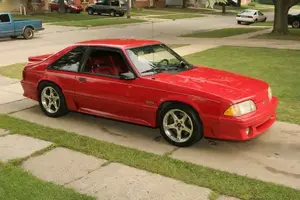
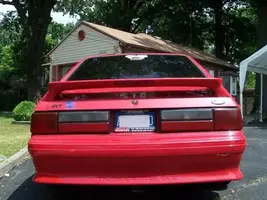
mob... ive been forever asken for someone to do mine in triple black.. with two white strips across the driverside hood and top of the car i dont think with the pic you can get it down the hatch... seems like no one wanted to do it... if it takes to much time dont bother... but if your willing id be thankful~!.. ryans faild attempt put a white strip around the whole car i wanted it across.. but at least he tried!! heres 3.. do what evers easyer for you!!!
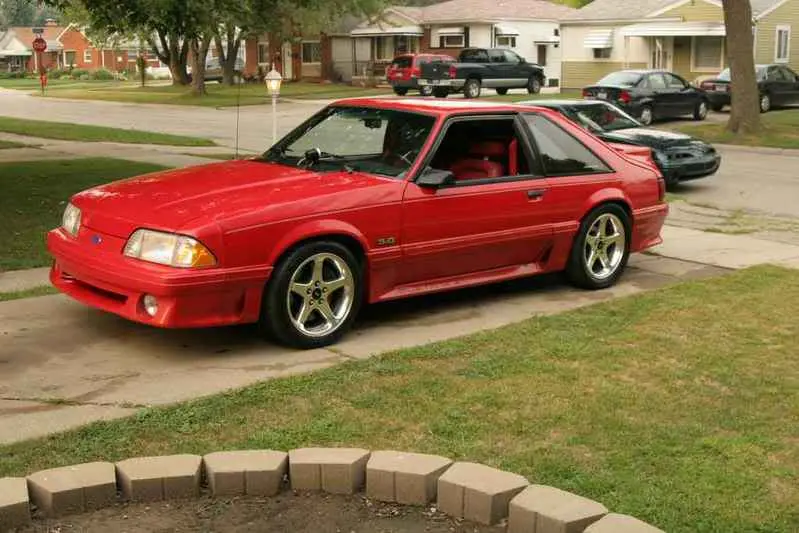
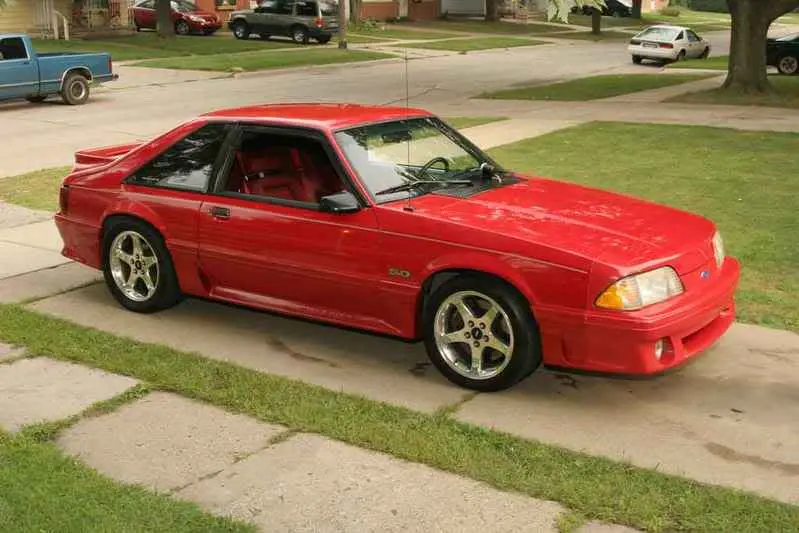
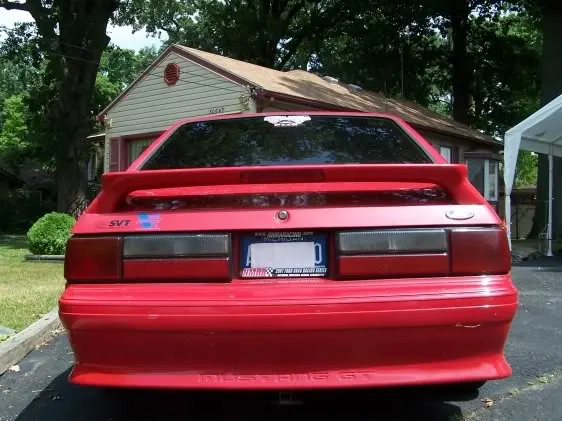
Attachments
90
Active Member
leave the rims and the inter... if i paint its gonna look like that for at least 2 years till i convert the int.. lack of money coming in from unemployment...
90
Active Member

04sleeper
Founding Member
Where do you get this Photomatrix from?mob said:And doing this is not hard at all. All you need is an basic camera, from your handheld digi to a 1k slr, if you can get one picture at 3 different exposures you can do this.
Set up a tripod, change your settings to a long exposure, normal exposure, and short exposure, to get a bright, normal, and dark picture, of the same picture. Then do the same thing with the hood up. Download photomatrix, make an hdr of the first pic, make an hdr of the second to get the color effects, then in photoshop cut out the engine, and paste it into the pic with the hood closed, then lower the opacity, erase some of the outside with a low opacity, sharpen the pic, resize it, and your done!
90
Active Member

90
Active Member
Similar threads

- Replies
- 5
- Views
- 169

- Replies
- 5
- Views
- 207


- Replies
- 13
- Views
- 351
