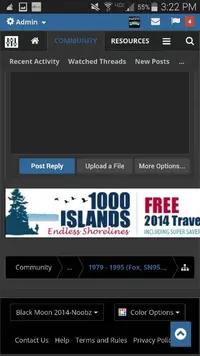
At the bottom left hand side of your screen is the skin that you have chosen. You really need to play with the other two: AD STYLER and COLOR OPTIONS.
This is the first skin we've ever had where users could create their own skin modifications.
The thing to remember is that those changes are tied to both Browser Cookies and User Account. So your changes may or may not cascade to each internet device you own.
Feel free to talk about stuff that you guys find.
This is the first skin we've ever had where users could create their own skin modifications.
The thing to remember is that those changes are tied to both Browser Cookies and User Account. So your changes may or may not cascade to each internet device you own.
Feel free to talk about stuff that you guys find.