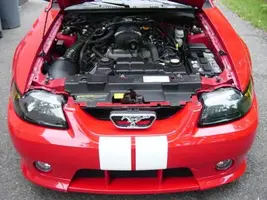
Here's how to do it in case people want to mess around with it (by the way, it works awesome with pictures of people)...
1.) open your image in photoshop.
2.) duplicate original layer/name it "1" (or whatever)/then do filter/blur/gaussian blur. Set the radius to 9.7 pixels (I like this setting but you can mess around with different ones), then click OK. 3.) Then above where the layers are to the right of the screen, click the little tab that says "normal" and change it to either "soft light" or "overlay". Make sure that the duplicated layer is above the original and that will give you the effect like this:
Then I just messed around with the gradient tool to make it lighter/darker on the sides. Also, that picture might be "overlay" and I may have used a different one for the earlier picture.