

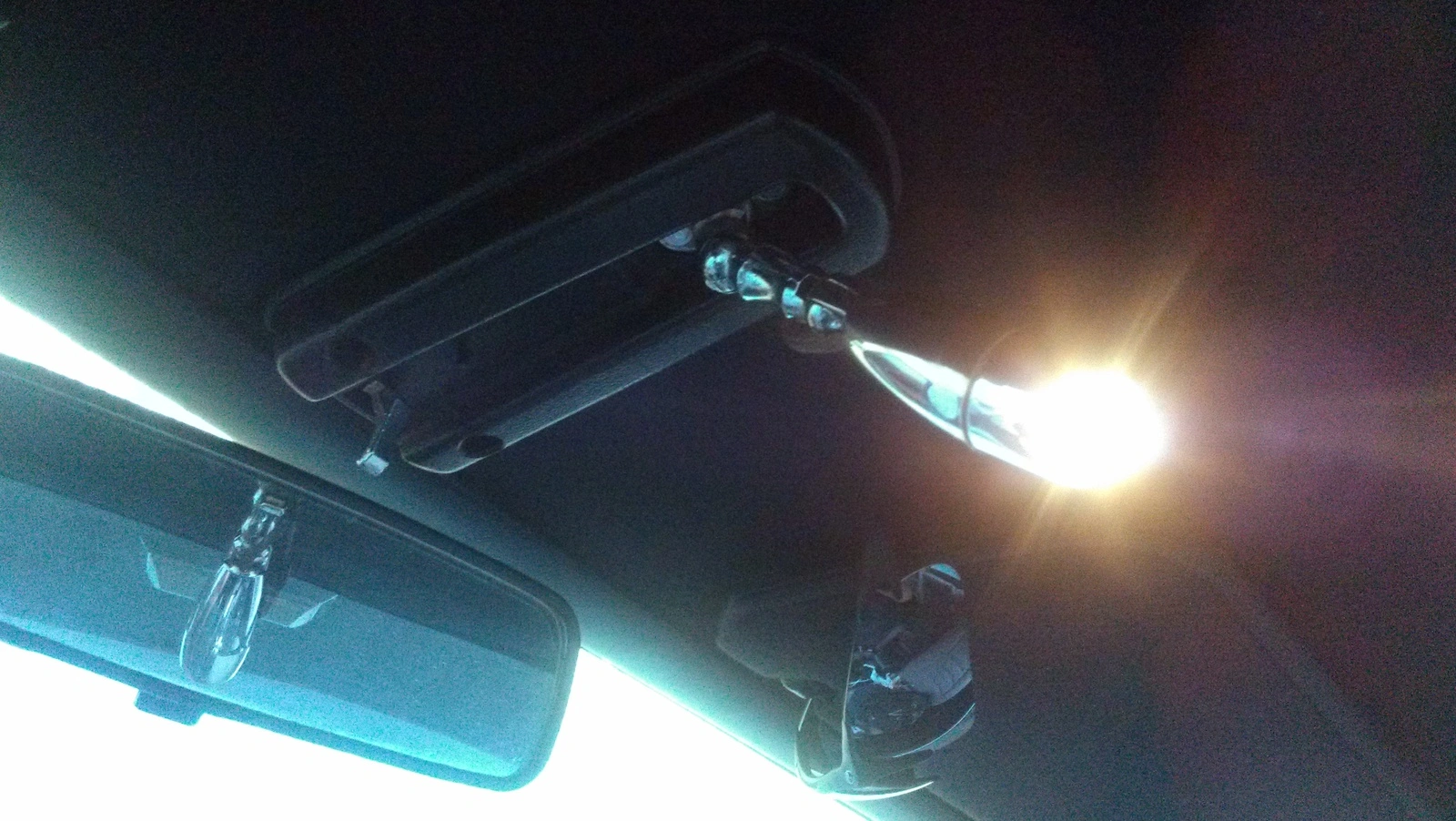
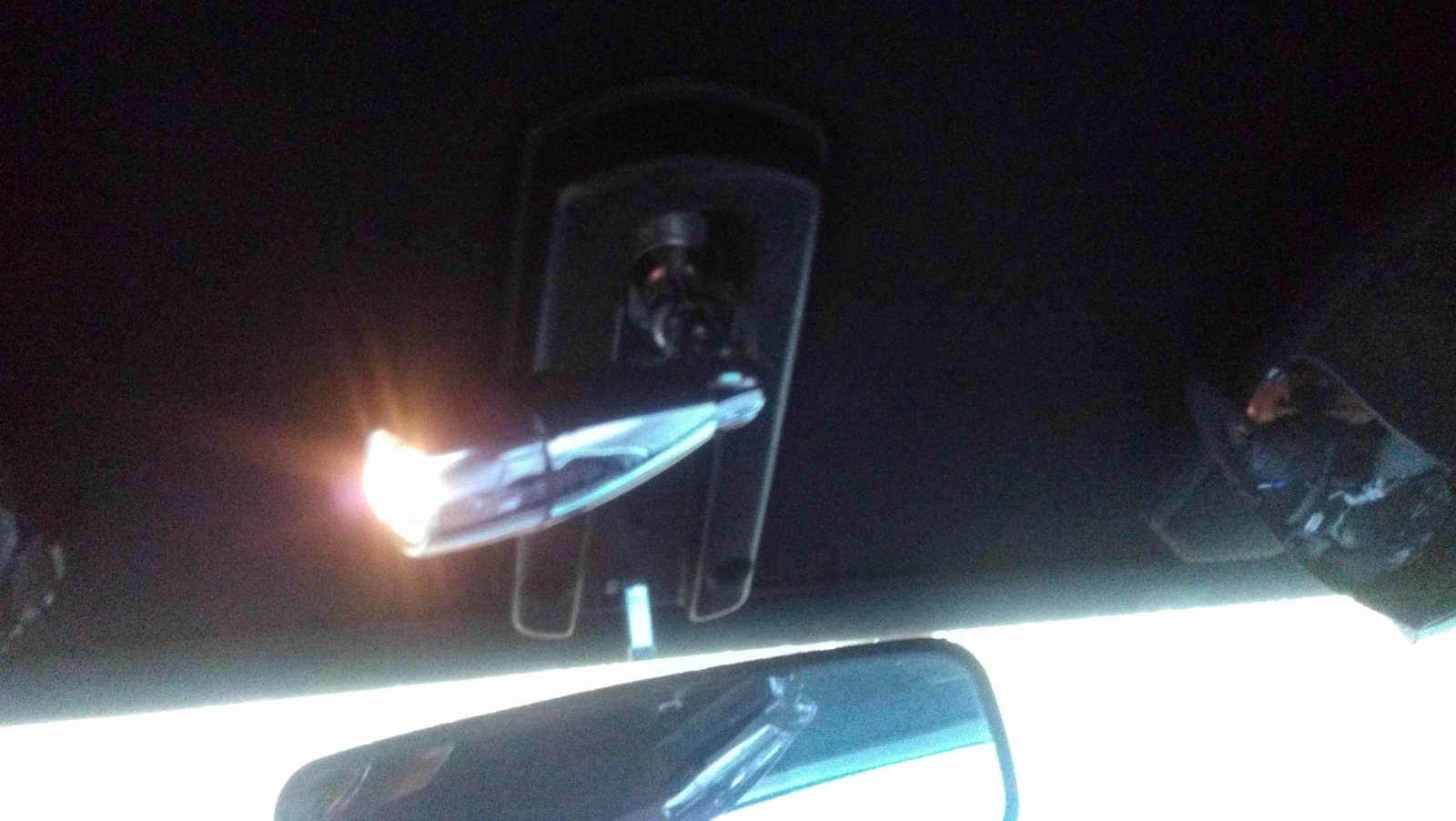
So after I got a sweet looking map light off ebay, of course not working, I read up on the contact clean fix and tried it and BOOM it worked!!! I'm so happy, it was one of the last couple things left to fix on my DD. Took a few pics in case someone else wants to try it.
Things I used.......
1. Razor blade
2. Fingernail clippers
3. Super glue
4. Flat head screwdriver
5. Phillips head screwdriver
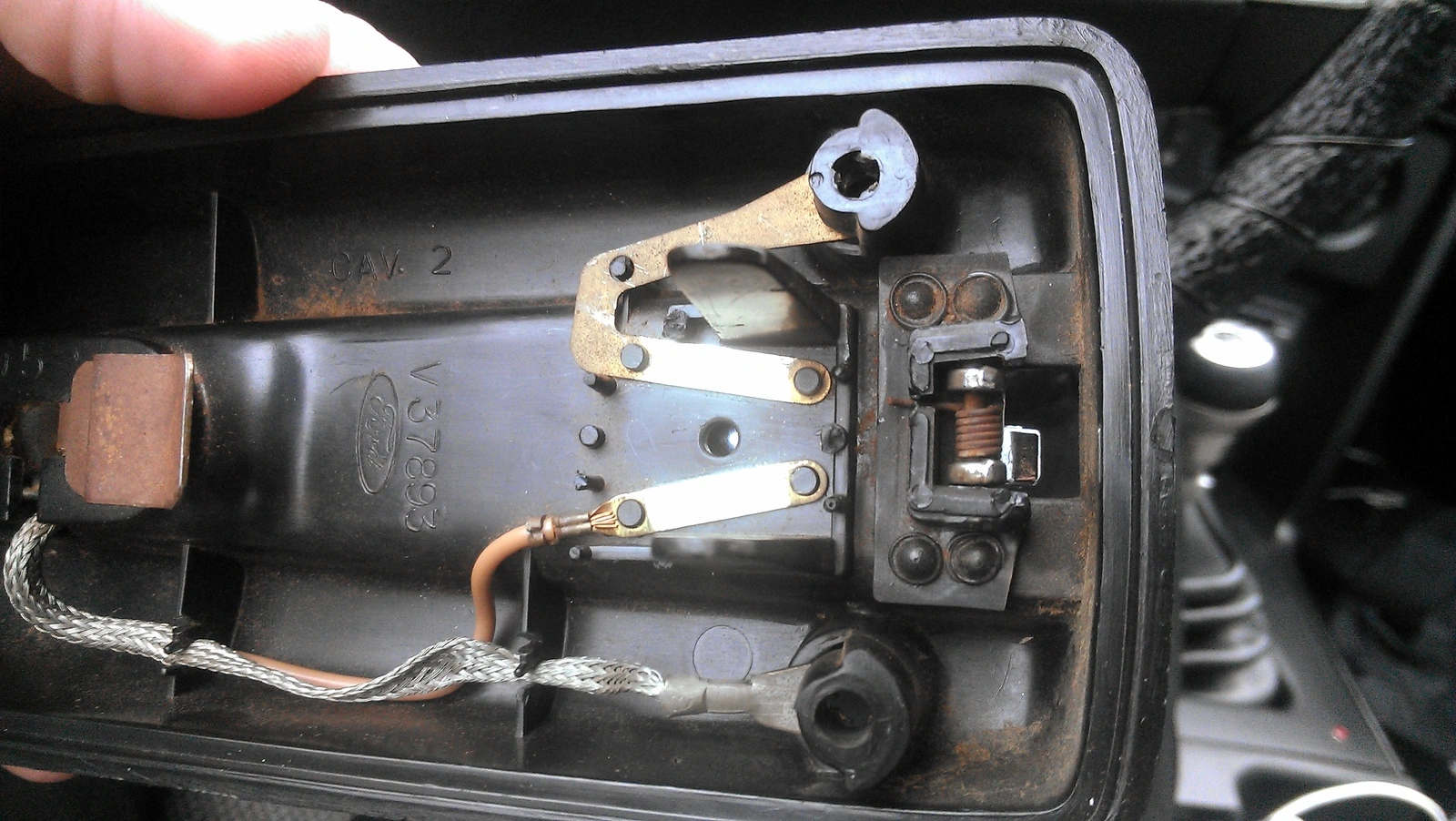
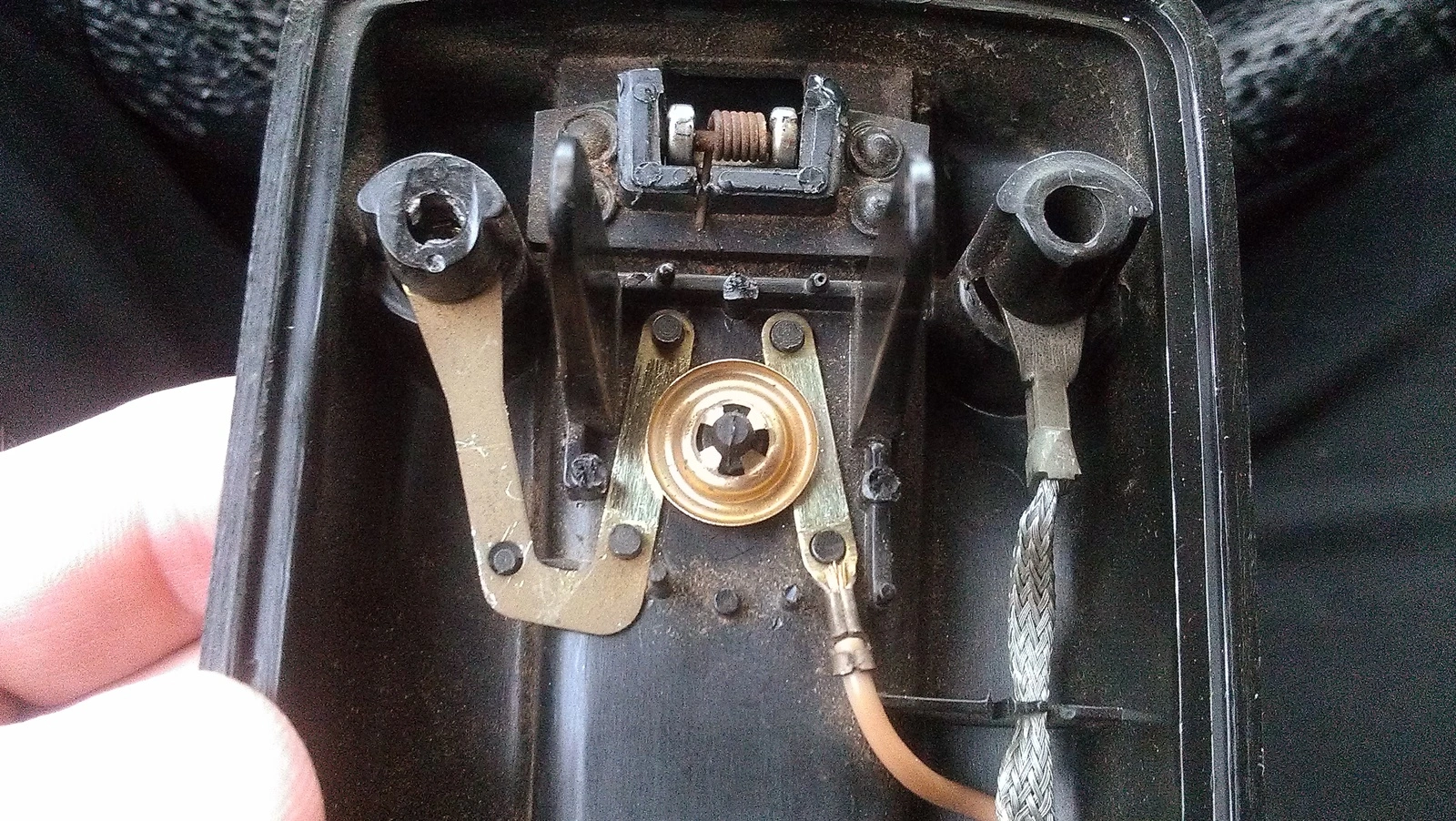
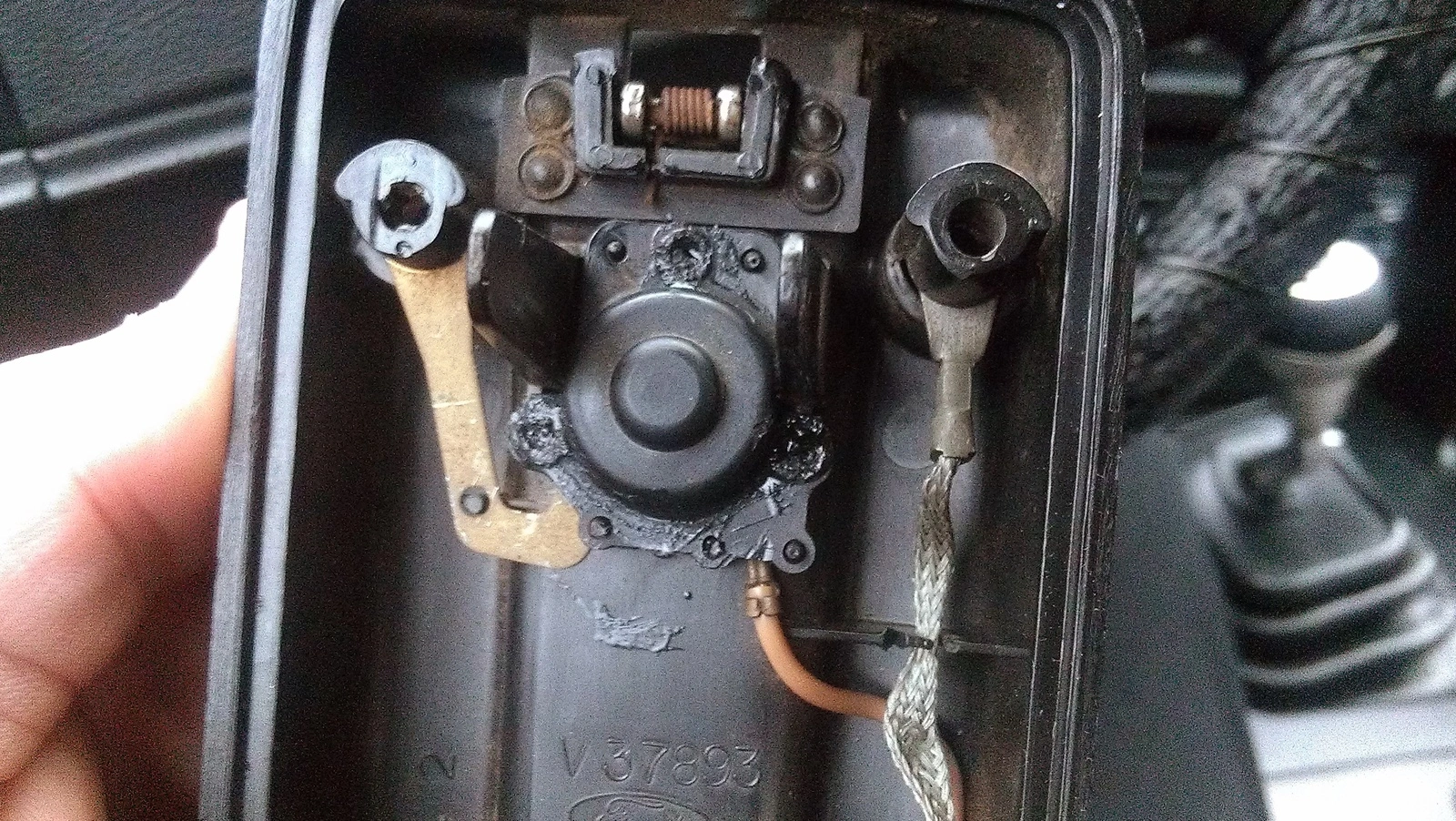
Took off the the 2 housing screws with a phillips head to detach the entire fixture. Next used the fingernail clips to take big chunks out of the 3 plastic rivet like hold downs around the button spring. Then used the razor blade to scrape it smooth and then used the sharp end to make a hole in the middle of each one. This helps when you start to pop the bracket off, takes pressure off the fragile bracket holes and gives the plastic somewhere to go and not break your housing bracket holes. Then take a flat head and use it as a lever twisting to pop up the bracket around the 3 plastic rivet things. There is a spring inside, set it to the side and the round button housing. Then use the flat head to scrape the two long contacts. You can clearly see the bright scraped part verses the old dingy parts. I also scraped the round side of the button housing to make sure it was clean too, i only wanted to do it once. Then slide the round button housing back, spring and bracket on. Hold it down with your finger and super glue them back and reinstall the map light.
Things I used.......
1. Razor blade
2. Fingernail clippers
3. Super glue
4. Flat head screwdriver
5. Phillips head screwdriver
Took off the the 2 housing screws with a phillips head to detach the entire fixture. Next used the fingernail clips to take big chunks out of the 3 plastic rivet like hold downs around the button spring. Then used the razor blade to scrape it smooth and then used the sharp end to make a hole in the middle of each one. This helps when you start to pop the bracket off, takes pressure off the fragile bracket holes and gives the plastic somewhere to go and not break your housing bracket holes. Then take a flat head and use it as a lever twisting to pop up the bracket around the 3 plastic rivet things. There is a spring inside, set it to the side and the round button housing. Then use the flat head to scrape the two long contacts. You can clearly see the bright scraped part verses the old dingy parts. I also scraped the round side of the button housing to make sure it was clean too, i only wanted to do it once. Then slide the round button housing back, spring and bracket on. Hold it down with your finger and super glue them back and reinstall the map light.
Last edited:


