Some HDR Photos

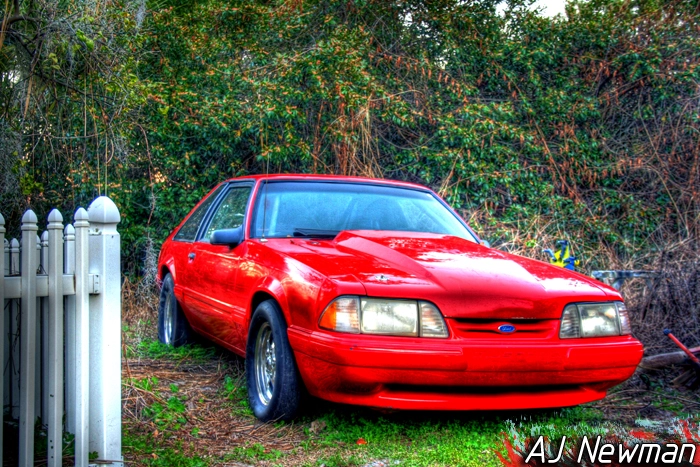
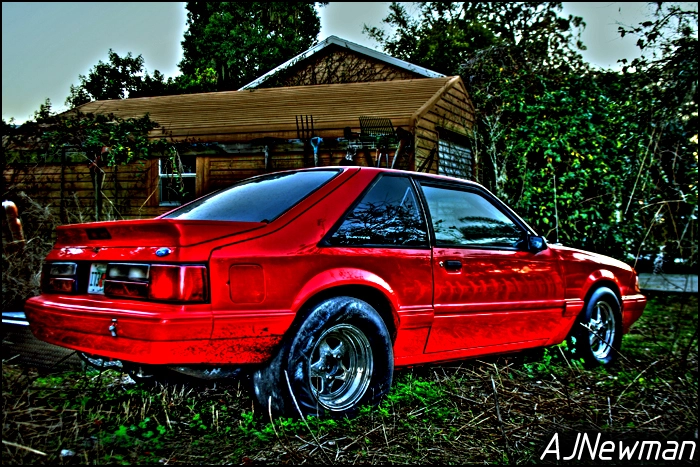
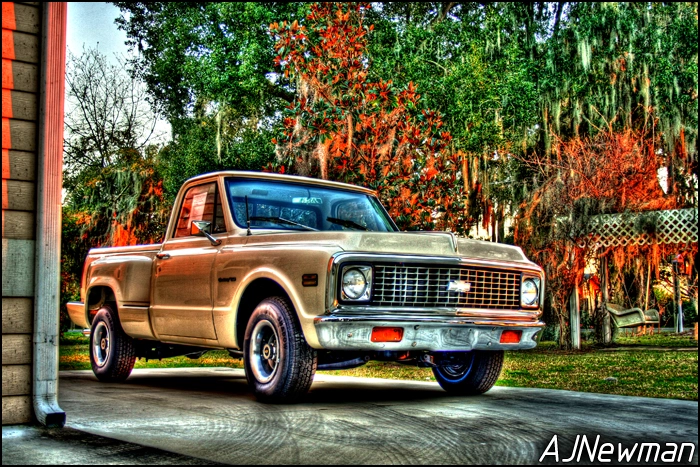
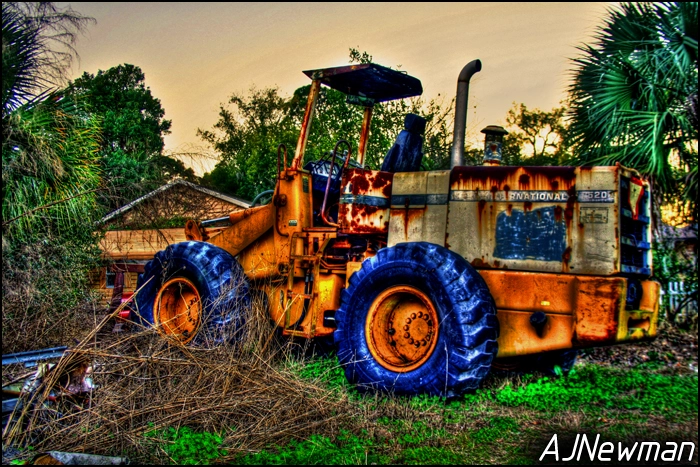
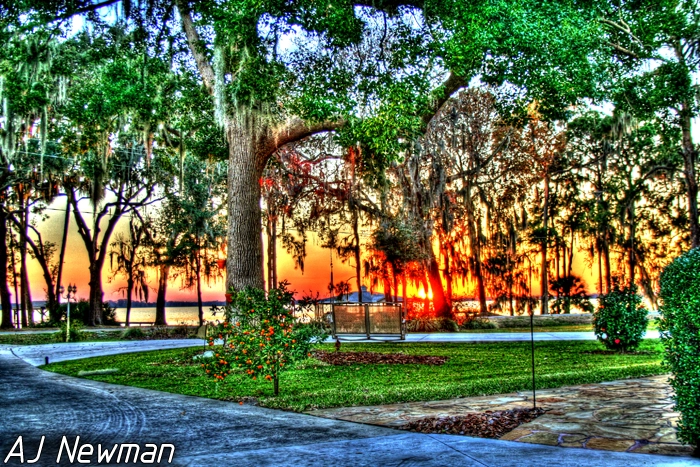
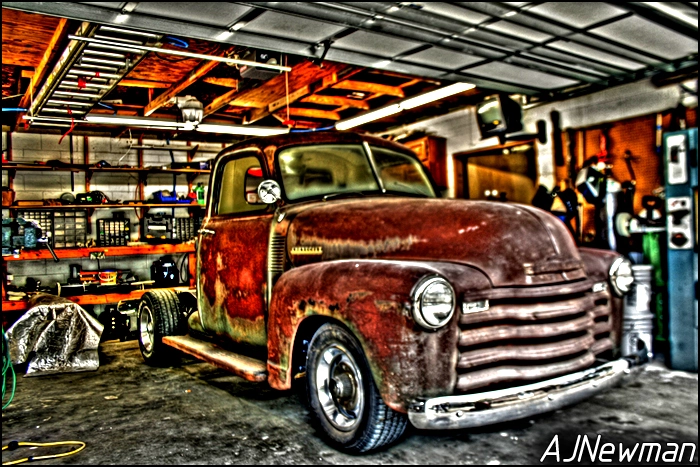
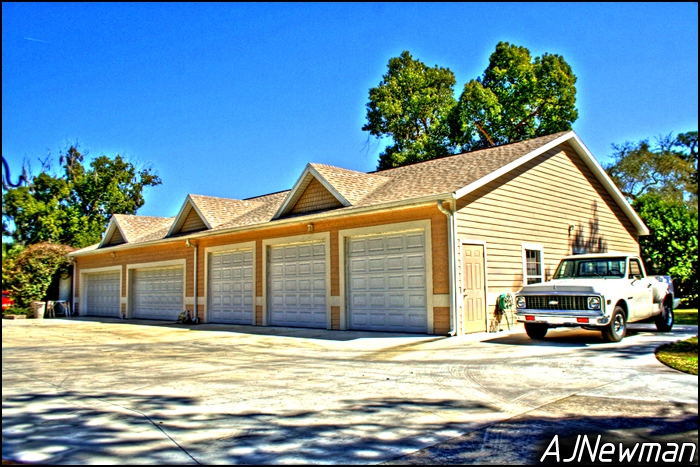
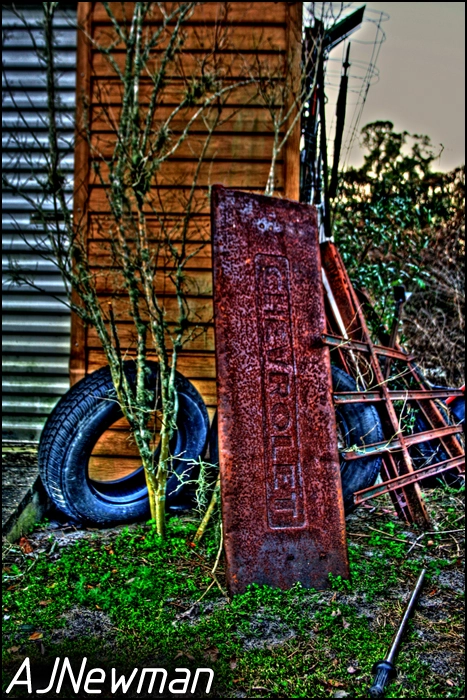
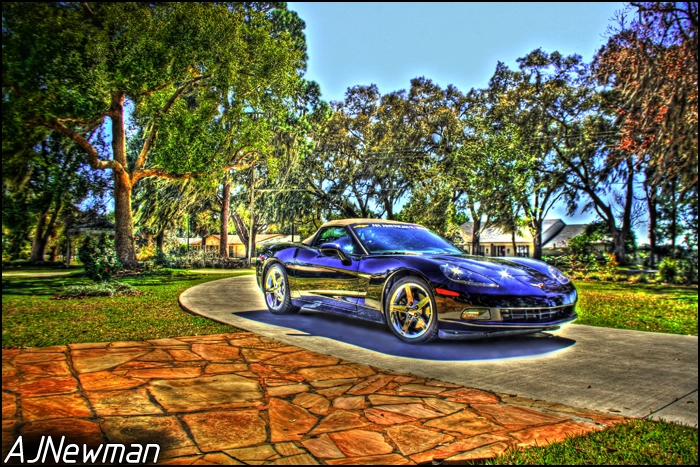
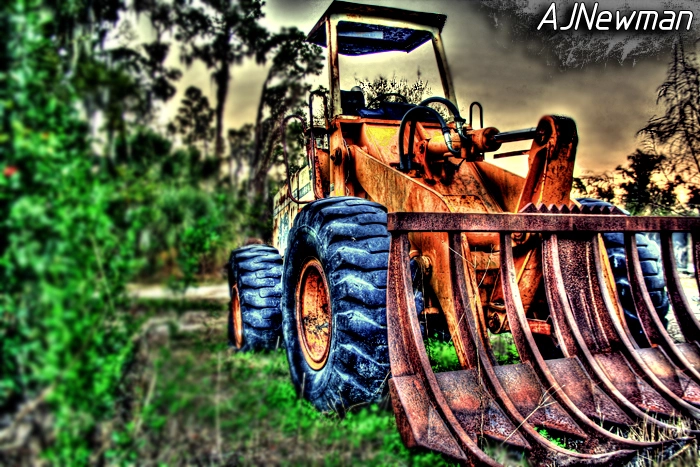
Well i haven't been around in a while. Progress on my mustang is going slow and is boring so i decided to get back into the photography stuff some. Here are a few shots iv been messing around with. These shots are just some stuff we have parked around the house, thought some of them were pretty neat...

4399876475_710d2acbca_o.webp

4399876643_a795f59c01_o.webp

4400642982_199ea4a3ca_o.webp

4399876735_c5e9452a2e_o.webp

4399876709_df515eaa14_o.webp

4399876675_e4d497f0ba_o.webp

4399876615_c27cff5d57_o.webp

4399876587_d62d5e7cc3_o.webp

4400642772_1e94d27d65_o.webp

4400642752_e493a2a057_o.webp


What yall think?

-AJ
 
thats some really cool photoshops, any chance you'd have time to photoshop a motorcycle stunt pic of mine? Ive tried, but they always come out looking worse than the original, haha
 
What software did you use to do that? I have been looking for a good HDR app.. or at least a fairly decent one for free. Those images look good. Many seem to have what looks like edge, chisel or chalking enhancements done. Some look like you merged a daylight photo with a duplicate one taken at night (Orange streetlight glow on truck and trees) .

oh and no, I don't have Photoshop. I have been using PSP 6 and GTK for ages, besides the included Canon software.
 
:nice: Great pix! 'Stang looks kinda sad sittin there though:(


Really like the looks of the newer bed on the chevy too

Yeah the story with the mustang is the last time i took it to the track it shattered the flex plate. With the new 2" primary long tubes it makes it a pain to do anything on the car so i just let it sit forever... I finally bought a JW The Wheel flex plate and installed it and got her back up and running again. This past week i ripped out all the electronics and im making a nice panel to mount everything on. I want the electrical to be simple and easy so when i run into problems at the track its easier to trace the problem. Plus the nitrous passes are coming very soon and i wanted that part of the electrical to be RIGHT...

Yeah my dad doesn't really like that bed, we have been looking for the original bed for the truck. That's on the bottom of the priority list at the moment :rolleyes:

thats some really cool photoshops, any chance you'd have time to photoshop a motorcycle stunt pic of mine? Ive tried, but they always come out looking worse than the original, haha

Thanks man. I dont mind doing a photo for you, but this just isnt a photoshop edit job... There is a process of taking multiple exposure of the same shot. Then i use a program to combine all exposure and tonemap the image, which is what brings out all the details from the different ranges of colors. For some reason some pictures just do not turn out... So far i learned about 1 of 3 shots actually turn out good in the editing process...

What software did you use to do that? I have been looking for a good HDR app.. or at least a fairly decent one for free. Those images look good. Many seem to have what looks like edge, chisel or chalking enhancements done. Some look like you merged a daylight photo with a duplicate one taken at night (Orange streetlight glow on truck and trees) .

oh and no, I don't have Photoshop. I have been using PSP 6 and GTK for ages, besides the included Canon software.

I use PhotoMatix Pro 3.2 to combine into a HDR and a bunch of time practicing and screwing with TONS of photos to finally get them to be the style i like. After i tone map in PhotoMatix i always have to use Photoshop to do a bunch of touch ups and edit all the fine details of the photo. This is the boring part because it usually pretty time consuming.

The orange glow is from the sunset, i snapped some pictures right as the sun was falling and it added some cool effects to the photos.

You right about duplicate photos. What i do is set my camera to "Full Manual - Program Mode. This lets me setup the Auto Exposure Bracketing. What that does is sets the exposure levels at ( -2, 0, +2 ). I also have my camera on a tripod and use the self timer. You have to make sure there is absolutely no movement between shots or the photos wont align once you combine them. So when you take shots at the 3 different exposures you have a dark photo, a normal and a bright. Then when you combine you have all the details brought into one image. I usually darken and contrast the photos which brings out the colors and makes them look vibrant.

A lot of people don't like my style of photos, but i love the look of the almost cartoon-ish shots. That is just my style :nice:

BTW - Im using a Canon Rebel XT - With the stock lens...

nice garage man

Thanks man... To bad my dad wont let me keep anything in it. He's got it filled up with all of his classic cars :rlaugh: That is why you see my poor mustang sitting in the back in the weeds!


-AJ
 
Thanks a ton chromed out dubs. That program is badass! Allthough a bit pricey at $100. But it works very well. I have been into photography for awhile. Had a Sony F717 for awhile til the sensor took a dump. Had my Canon Digital Rebel XT (8MP) since 06. Had 3 multi exposure images laying around that I took as a test years ago. Merged them nicely. For awhile, I used to used Jasc PSP 6 magic brush feature to grab and highlight details such as dark shadows around wheel wells. It always came out looking a bit grainy. Trying to highlight something in a near pitch dark environment with an image that was mostly white (car), wheel wells always looked crappy. This,, however is very nice. Finally an app that merges with quality.

Gotta start takin more pics and seeing how well this performs. Can't wait to see how my 96 looks without being washed out or too dark of background. Will post some HDR's later sometime.
 
Thanks a ton chromed out dubs. That program is badass! Allthough a bit pricey at $100. But it works very well. I have been into photography for awhile. Had a Sony F717 for awhile til the sensor took a dump. Had my Canon Digital Rebel XT (8MP) since 06. Had 3 multi exposure images laying around that I took as a test years ago. Merged them nicely. For awhile, I used to used Jasc PSP 6 magic brush feature to grab and highlight details such as dark shadows around wheel wells. It always came out looking a bit grainy. Trying to highlight something in a near pitch dark environment with an image that was mostly white (car), wheel wells always looked crappy. This,, however is very nice. Finally an app that merges with quality.

Gotta start takin more pics and seeing how well this performs. Can't wait to see how my 96 looks without being washed out or too dark of background. Will post some HDR's later sometime.

No problem man, glad I could help you out. I gotta get some pictures of some of my dads Ford cars lol. He has a AC Shelby Cobra that I think will turn out pretty good. I showed him some of the pictures iv done and he wants to blow them up and frame them in his garage.

Be sure to post your pictures, I would love to see how they turn out! Ill post all my new shots in here also so you can check them out.

-AJ
 
I don't know...they look at little TOOOO overdone for my taste...those are more cartoon-ish than I generally like.

I have a few, but I still haven't gotten them where I want them yet...obviously, you can see what program I'm using. Most were done sans tripod with 3 shot brackets

2596147684_28ebe5d5d6_b.webp


2616602141_46f5766157_b.webp


2640743086_385af9229a_b.webp


slightly more worked up
2640743652_a3ef469141_b.webp


2761603962_cb8a379edd_b.webp


2760757847_941f56bf9f_b.webp


I still haven't perfected the backgrounds...but the car is pretty nice!
2760757407_4662e051b3_b.webp


not an HDR but badass pic whoring...lol
2866074351_9a25c99dbd_o.webp
 
Thanks man. I dont mind doing a photo for you, but this just isnt a photoshop edit job... There is a process of taking multiple exposure of the same shot. Then i use a program to combine all exposure and tonemap the image, which is what brings out all the details from the different ranges of colors. For some reason some pictures just do not turn out... So far i learned about 1 of 3 shots actually turn out good in the editing process...

-AJ
cool, if you got time to do something to this pic, sweet, if not no big deal, I have a hi-res copy too.

attachment.php
 
I don't know...they look at little TOOOO overdone for my taste...those are more cartoon-ish than I generally like.

I have a few, but I still haven't gotten them where I want them yet...obviously, you can see what program I'm using. Most were done sans tripod with 3 shot brackets

not an HDR but badass pic whoring...lol
2866074351_9a25c99dbd_o.webp

Yeah i know what ya mean about the cartoonish look. Thats just my style, i like how they almost look like a painting or something. Your shots look good, that last picture is pretty sweet:nice:

-AJ
 
No finished pics yet. I took 3 different pics with .2 bracket adjustments (3 each). I spent half the day yesterday tweaking up the settings... but I absolutely cannot get my 96 to sit (bright white) without overexposing the sky. I'm trying to even everything out as much as possible. But the car always ends up looking like a light gray, while blending in with the rest. I tried both modes, and it seems that detail mode works the best. I have to get an overexposed shot so the tires and some dark shadow areas are visible (as they are with the naked eye), I get one underexposed image so the sky doesn't look burned out exposed and appears blue (or light blue), and one center exposure to catch the cars white contrast. What ends up happening is the front right side looks grayish while the other part looks dull white. Hmm I've done a lot of photo editing over the years and this stuff is more difficult than I thought.
 
After several tries with different images, i'm still not getting it right. Don't know if it's me, or just the program. I like the program and all, just that I cant get the contrast on the car right without blowing out the sky also. It turns both the sky and the car into midtones, instead of highlights.

Here is one in question that I have been working on. It's of my 96. Sorry, no pics of the 92 right now. ATM, the 92 looks like a DD beater that REALLY needs a paint job.. This pic here, well, not quite as good as wht93Gted posted.

96-HDR1-resize1.webp


And here are the exposure set I used to create that image.

96-Expbracket123.webp


It turns my car a light gray. I can't figure it out.